Account & Deletion
Your Account page shows who you're signed in as and gives you full control over your data — including permanently deleting your account.
Opening your account
Tap your avatar in the top-right corner and choose Account. You'll see:
- Profile — your name and the email tied to your membership.
- Membership — your current plan.
- Membership & billing (web only) — a link to your account page on purepowerpicks.com to manage your subscription, payment method, and invoices.
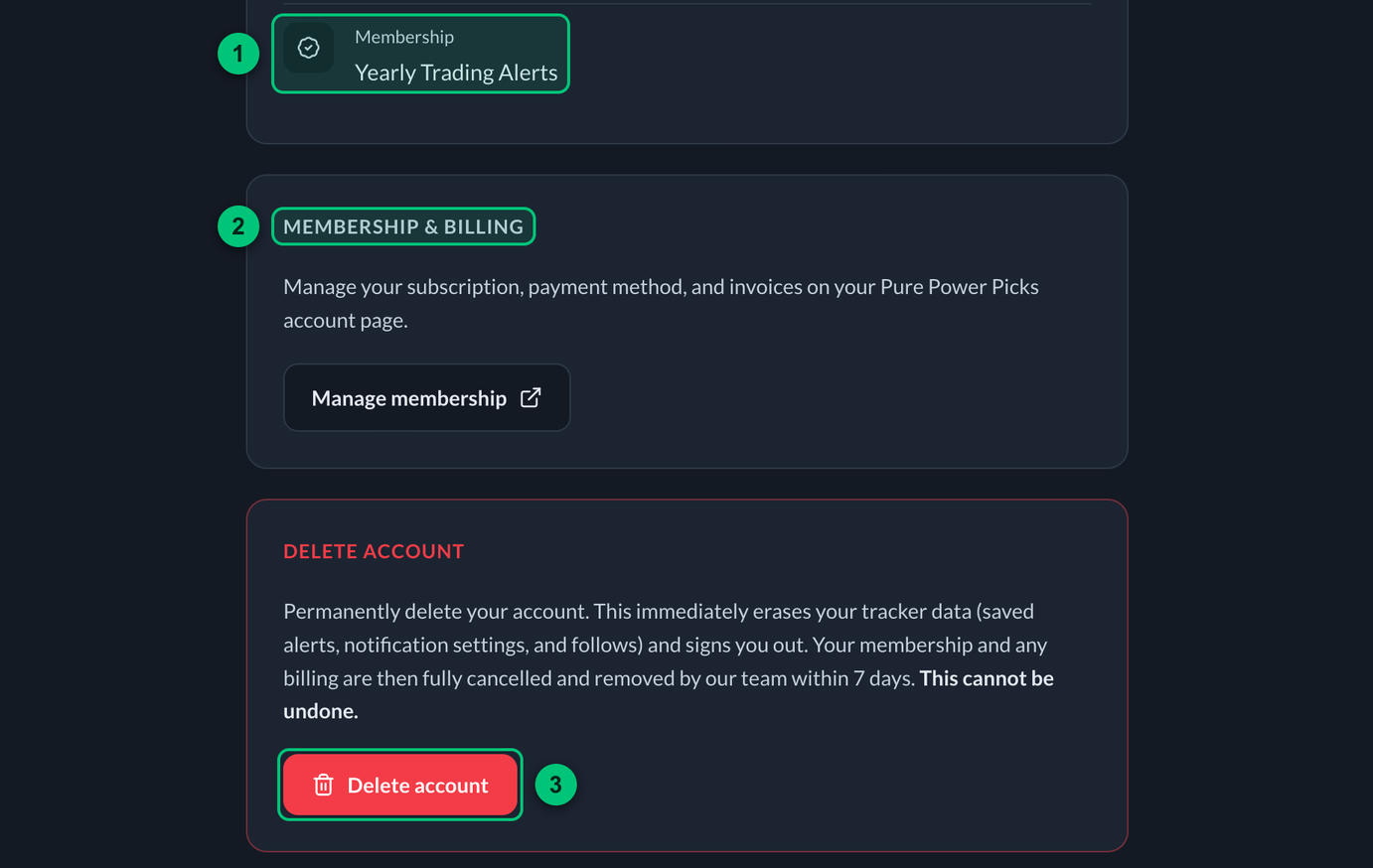
The lower part of the Account page. The Profile card with your name and email sits above it.
① Membership — your current plan. ② Membership & billing — the link to manage your subscription, payment method and invoices. ③ Delete account — starts the steps under Deleting your account.
The same avatar menu also holds a Dark mode switch, which changes how the whole app looks on that device. See How the Tracker Works.
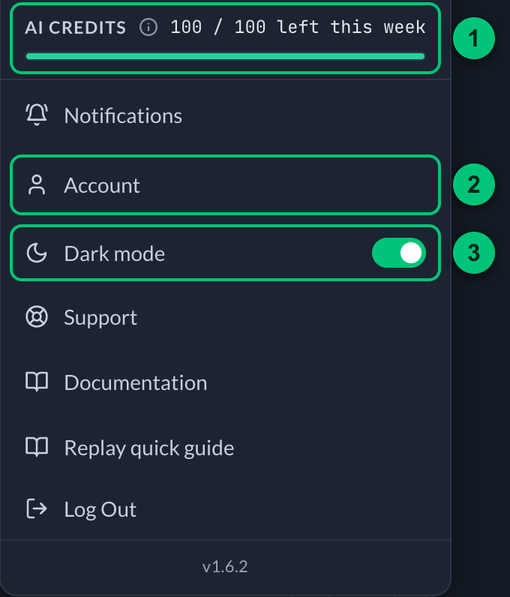
The account menu, opened from your avatar.
① AI Credits — the credit meter. ② Account — opens the Account page. ③ Dark mode — the switch for how the app looks on this device.
Deleting your account
You can permanently delete your account at any time, right from the app.
- Open Account (avatar → Account).
- Under Delete account, tap Delete account.
- Read what happens, optionally tell us why you're leaving, type DELETE to confirm, and tap Permanently delete.
What gets deleted
- Right away: your tracker data is erased — your saved alerts, notification settings and follows, and other personal data. The confirmation screen then gives you a one‑tap Sign out.
- Within 7 days: our team removes your membership and cancels any billing, so you won't be charged again.
Deleting your account is permanent. If you want to come back later, you'll need to sign up again from scratch. If you only want to stop paying, cancel your membership from the Membership & billing page instead — that keeps your account.
Questions about a deletion? Email support@purepowerpicks.com.